2027 · Wallpapers
2027 phone wallpapers
Start the new year from your lock screen. Free 2027 wallpapers with affirmations, sized for iPhone. Pick one, download it, set it.
My heart is ready for a new beginning.
 somedaily.app
I'm not afraid to dream big.
somedaily.appPeople who've been kind to me stay in my heart.
somedaily.appMy money goes where my values point.
somedaily.appThe light inside me doesn't go out, even on dark days.
somedaily.appSlowing my breath is in my hands; my calm belongs to me.
somedaily.appEven with fear, I take my step.
somedaily.appMy past taught me; my future is mine to write.
somedaily.appKnowing my values gives me direction when a choice is hard.
somedaily.appMy joy belongs to me.
somedaily.appI love myself as I am.
somedaily.appI start today with an open heart.
somedaily.appWith your own sentence and your own photo
In Somedaily, choose your affirmation and its background, and get a lock screen widget that changes every morning. Your wallpaper stays; the widget renews every day.
Get the app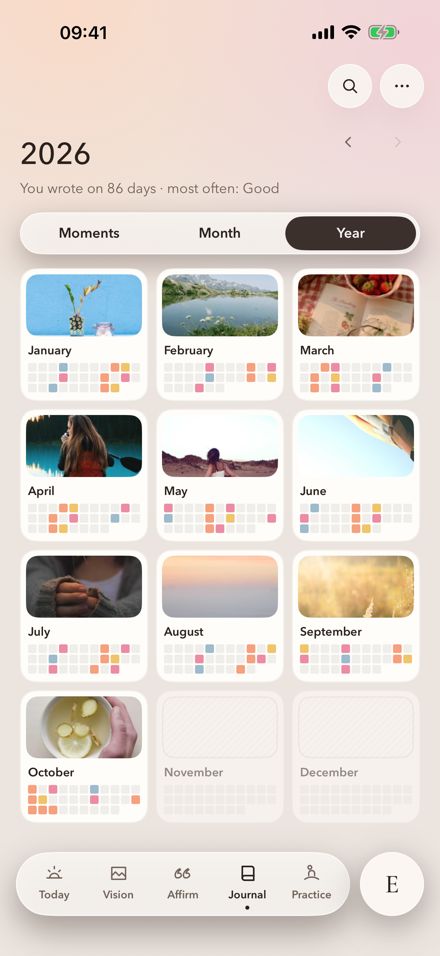
How to set a wallpaper on iPhone
Download the image and save it to Photos.
Touch and hold the lock screen, then tap “+” to add a new one.
Choose the image from Photos and adjust its position.
Add the Somedaily widget too, if you like.
About 2027 wallpapers
Are the wallpapers free?
Yes, all of them are free for personal use. Download them and use them on your lock screen or home screen.
Which phones do they fit?
They're made at iPhone size (1179×2556) and look good on most Android phones too.
Can my lock screen change every day?
The Somedaily lock screen widget shows a new affirmation every morning; your wallpaper stays the same.
More for 2027
Somedaily
A new sentence on your lock screen every morning
A new affirmation every day with the Somedaily widget. Free.

 On a computer?
Scan with your phone
My past taught me; my future is mine to write.
somedaily.app