Comparison · Privacy
Affirmation apps without an account: what their privacy labels say
Most affirmation apps don't say on the App Store whether you need an account, but every app's App Privacy label shows what it collects and whether that data is used to track you. All 6 popular affirmation and vision board apps compared here (checked on 9 November 2026) declare “Data Used to Track You”. Somedaily needs no account and declares no tracking and no data linked to you.
| App | Data used to track you | Data linked to you | Devices | Languages | Vision board |
|---|---|---|---|---|---|
 SomedailyThat’s us ☁️ | None | None | iPhone, iPad, Apple Watch | 17 | Yes |
| I amMonkey Taps | PurchasesUser ContentSearch HistoryIdentifiersUsage Data | PurchasesUser ContentSearch HistoryIdentifiersUsage DataDiagnostics | iPhone, iPad, Apple Watch | 14 | No |
| MotivationMonkey Taps | PurchasesUser ContentSearch HistoryIdentifiersUsage Data | PurchasesUser ContentSearch HistoryIdentifiersUsage DataDiagnostics | iPhone, iPad, Apple Watch | 14 | No |
| Vision Board Perfectly HappyPerfectly Happy Meditation GmbH | PurchasesUsage Data | PurchasesContact InfoUser ContentUsage Data | iPhone, iPad, Apple Watch | 14 | Yes |
| Vision Board & Goal TrackerSovereign Apps LLC | Identifiers | None | iPhone | 1 | Yes |
| ManifestTranscend Labs Inc. | Usage Data | Contact InfoUser ContentIdentifiersUsage Data | iPhone | 1 | No |
| MantraBroftware House Yazilim Tasarim Anonim Sirketi | Identifiers | PurchasesLocationContact InfoUser ContentIdentifiersUsage DataOther Data | iPhone, iPad, Apple Watch | 10 | No |
We read each app's US App Store page on 9 November 2026: the App Privacy section, the description, the supported devices and languages. Privacy labels are declared by each developer and are not verified by Apple. We list categories exactly as shown; we did not install the apps or test their sign-in screens.
What to look for in a private affirmation or journaling app
No sign-up needed
You can start writing without giving an email address. If you later want sync, it should be optional.
Nothing under “Data Used to Track You”
This section means data may be combined with other companies' data for ads or shared with data brokers.
Little or nothing “Linked to You”
Linked data is tied to your identity. A journal is personal; the less linked data, the better.
Your own cloud for backup
Sync through your own iCloud keeps your entries in your Apple account rather than on the app maker's server.
Check any app yourself in 30 seconds
- Open the app's page in the App Store.
- Scroll to “App Privacy”.
- Look at the headings: “Data Used to Track You”, “Data Linked to You”, “Data Not Linked to You”.
- Tap “See Details” to see every category.
How Somedaily handles this
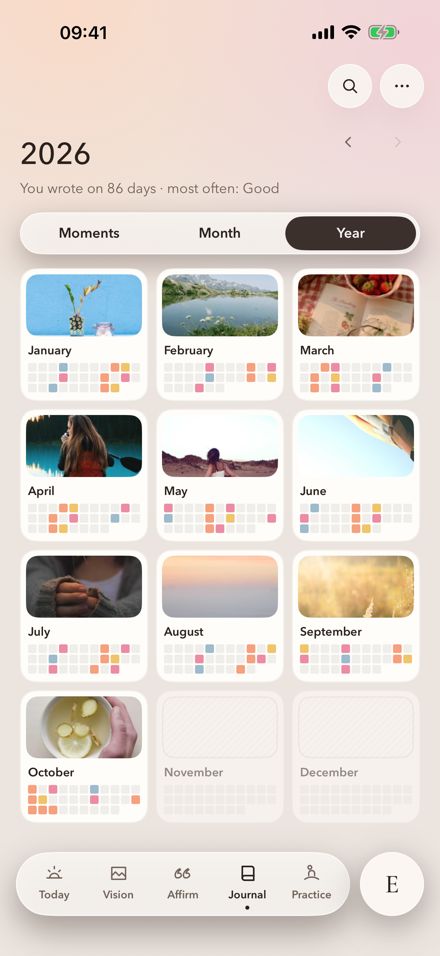
Somedaily has no account and no sign-in. Your dreams, boards, journal and voice recordings stay on your device and, if you turn on iCloud sync, in your own iCloud. On the App Store it declares only Purchases and Search History, both not linked to you (search history means the words you type into image search for your board).

Questions
Is there an affirmation app without an account?
Yes. Somedaily works without an account or sign-in. Several other apps don't mention accounts on their App Store page, so check their privacy labels too.
What does “Data Used to Track You” mean?
Apple uses this heading when an app links data about you with data from other companies' apps or websites for advertising, or shares it with data brokers.
How current is this comparison?
We checked every App Store page on 9 November 2026. Apps change their labels with updates, so the App Store page is always the final word.
Source
I am · Motivation · Vision Board Perfectly Happy · Vision Board & Goal Tracker · Manifest · Mantra · Somedaily · 2026-11-09